OpenAI published its report on 4 November 2026. This analysis was written on 6 November 2026. All figures about the research come from OpenAI, and no outside group has published an audit of the run. The Kubernetes and EKS guidance in the second half is mine, not OpenAI's.
OpenAI says an autonomous pipeline running an unreleased cyber model found, reproduced and wrote working exploits for hundreds of Linux kernel bugs that let an ordinary local user become root. In A thousand fewer paths to root, published on 4 November, OpenAI reports 948 working local privilege-escalation exploits from a single campaign against the upstream kernel. The announcement on X also describes the pipeline as generating patches.
For Kubernetes teams, the question matters more than the number: when a batch of kernel fixes lands, how quickly can you prove every node runs a fixed kernel?
What OpenAI reported
OpenAI describes a funnel. Each stage is a different kind of result, so keep them apart:
- 2,308 candidate findings. Code paths that agents flagged as likely bugs reachable by a low-privileged user. A candidate is a suspicion, not a confirmed vulnerability.
- 1,724 dynamically reproduced vulnerabilities. Candidates for which a proof of concept actually triggered the bug in a virtual machine running an instrumented kernel.
- 948 local privilege-escalation exploits. Reproduced bugs that the pipeline turned into a working path to root in OpenAI's test environment.
OpenAI says the scan targeted the latest upstream kernel in mid-October 2026 and cost about $1.2 million in API credits. Divided by 948, that is roughly $1,300 per exploit. That scale is the real news: an exploit that once took a specialist days or weeks now has a price per unit.
Four terms are easy to blur in coverage of this story, and they mean different things:
| Term | What it means | Who controls it |
|---|---|---|
| Working exploit | Root was reached in OpenAI's test environment | OpenAI |
| Candidate patch | A proposed code change sent to maintainers | OpenAI and kernel maintainers |
| CVE | An identifier, which the kernel's CVE team assigns automatically only "after a fix is available and applied to a stable kernel tree" | Kernel CVE team, or your distribution for vendor-only kernels |
| Released vendor fix | A kernel package or node image you can actually install | Your OS or cloud vendor |
So 948 exploits do not mean 948 CVEs today, and a candidate patch on a mailing list does not protect your nodes. The kernel CVE documentation is also explicit that "the applicability of any specific CVE is up to the user of Linux to determine." The rest of this article covers how to make that call.
Why Kubernetes operators should care
From here on, this is operational guidance, not a summary of OpenAI's report.
A local privilege escalation (LPE) bug lets someone who can already run code on a machine as an unprivileged user gain root. It is the second step after a foothold, such as a compromised application or a malicious dependency.
On Kubernetes, that foothold is often a container. Containers are processes isolated by namespaces and cgroups, and every container on a node shares that node's kernel. If a kernel bug is reachable from inside a container, root on the kernel means root on the node. From there an attacker can reach every Pod on that node, its Secrets and service account tokens, and the kubelet's credentials. Sandboxed runtimes such as gVisor change this, but few clusters sandbox every workload.
Whether a particular exploit works against your nodes depends on three things:
- The kernel build. The vulnerable code must be present in the version and patch level you run.
- The kernel configuration. If the subsystem is compiled out or the module never loads, the code path does not exist on your nodes.
- What the attacker can already do. Many kernel bugs need a capability, a syscall or a namespace feature that seccomp, a non-root user or a restricted Pod Security level would block.
Do not settle exposure by comparing version numbers. Enterprise and cloud vendors backport fixes into older kernel lines. A kernel that reports 6.1.x with a vendor suffix may contain a fix that upstream only shipped in a later release, and a newer-looking version string may still lack one. The only reliable source is the vendor's advisory or release notes for the exact build you run.
Step 1: inventory node kernels
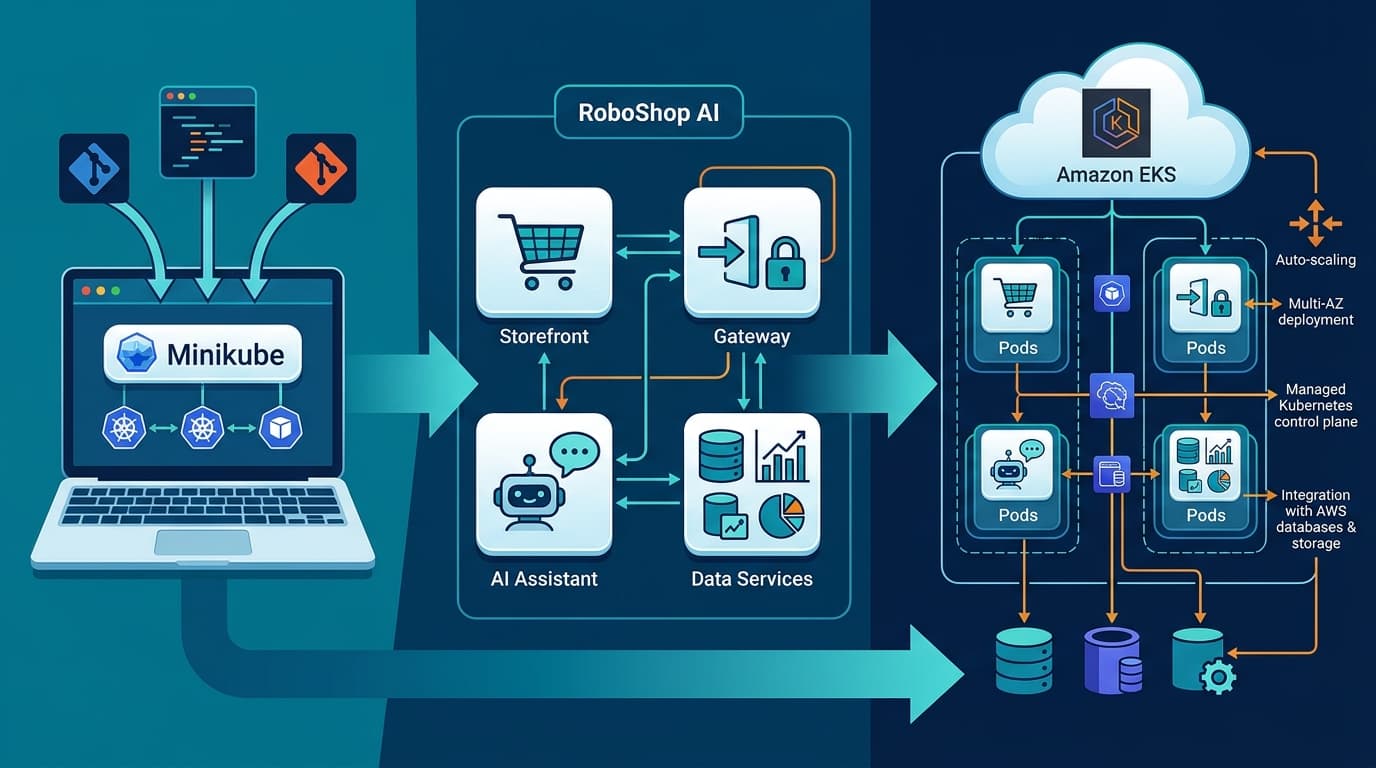
I ran these commands on 6 November 2026 against mk4, a five-node Minikube cluster that uses the Docker driver. To reproduce them, minikube start --nodes 2 gives you a small cluster to try them on.
The quick view is the wide output of kubectl get nodes:
kubectl get nodes -o wideNAME STATUS ROLES AGE VERSION INTERNAL-IP EXTERNAL-IP OS-IMAGE KERNEL-VERSION CONTAINER-RUNTIME
mk4 Ready control-plane 10d v1.37.0 192.168.49.2 <none> Debian GNU/Linux 12 (bookworm) 6.12.0-264.el10.aarch64 (arm64) containerd://2.3.4
mk4-m02 Ready <none> 10d v1.37.0 192.168.49.3 <none> Debian GNU/Linux 12 (bookworm) 6.12.0-264.el10.aarch64 (arm64) containerd://2.3.4
...For a report you can sort, diff or paste into a ticket, pick just the fields you need with custom columns:
kubectl get nodes -o custom-columns='NAME:.metadata.name,KERNEL:.status.nodeInfo.kernelVersion,OS:.status.nodeInfo.osImage'NAME KERNEL OS
mk4 6.12.0-264.el10.aarch64 Debian GNU/Linux 12 (bookworm)
mk4-m02 6.12.0-264.el10.aarch64 Debian GNU/Linux 12 (bookworm)
mk4-m03 6.12.0-264.el10.aarch64 Debian GNU/Linux 12 (bookworm)
mk4-m04 6.12.0-264.el10.aarch64 Debian GNU/Linux 12 (bookworm)
mk4-m05 6.12.0-264.el10.aarch64 Debian GNU/Linux 12 (bookworm)This output shows the trap. OS-IMAGE says Debian 12, but the kernel string ends in el10, an Enterprise Linux 10 build. With the Docker driver, each Minikube "node" is a container running a Debian-based image, and all five share the kernel of the host running Docker. The userland and the kernel can come from different vendors. On this cluster, patching means updating the host's kernel, not the node image.
What the inventory tells you: which distinct kernel builds you run, and on how many nodes. What it does not tell you: whether a given fix is in that build. For that, look up the exact string (here 6.12.0-264.el10) in the advisories of the vendor that built it, and check whether the affected subsystem is enabled in that vendor's configuration.
Step 2: from advisory to patched EKS nodes
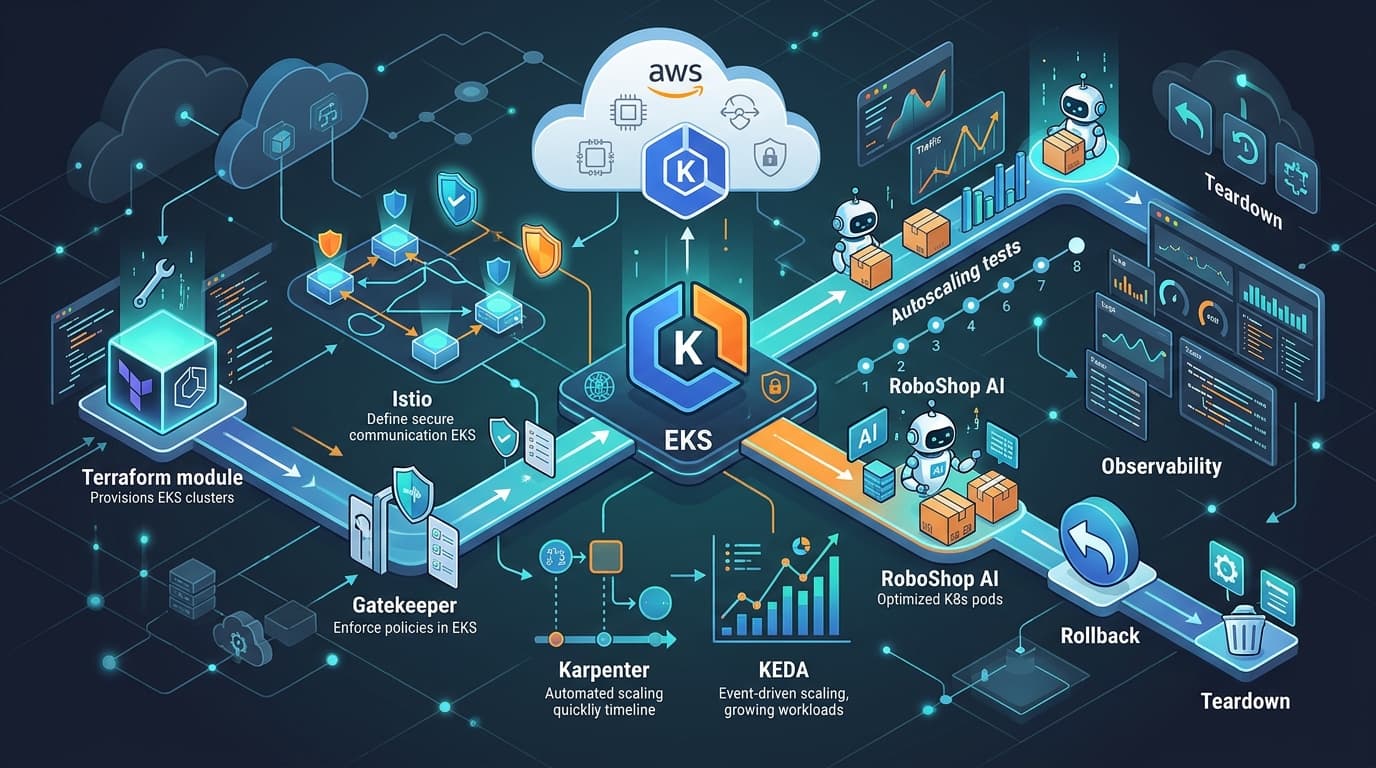
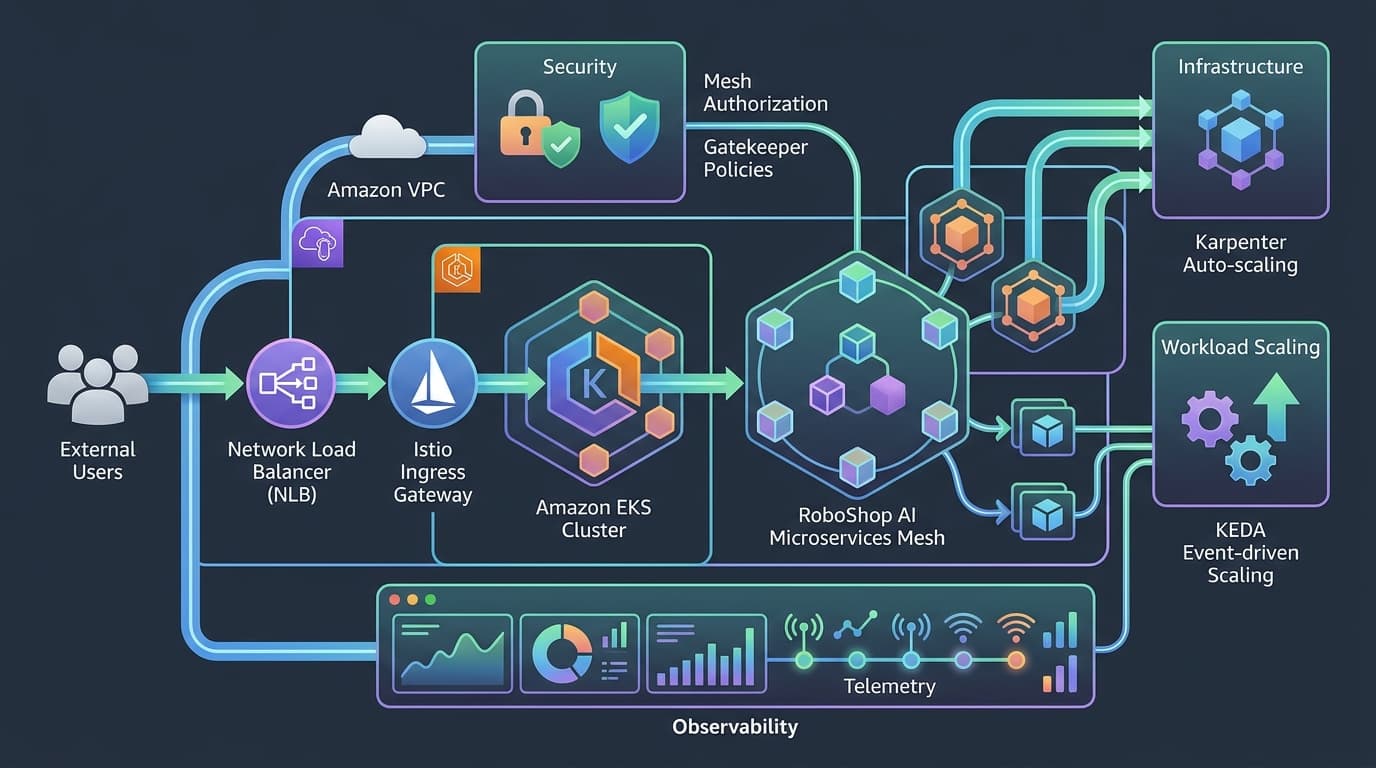
On EKS with managed node groups and EKS-optimized AMIs, like the AL2023 Arm group in my RoboShop AI EKS walkthrough, the unit you patch is the node image, not the kernel package. AWS says that when you update to the latest AMI release version, EKS "automatically applies the latest security patches and operating system updates" that the release contains.
1. Identify the image you run. Ask EKS, then check that the nodes agree:
aws eks describe-nodegroup --cluster-name my-cluster --nodegroup-name app-nodes \
  --query 'nodegroup.{ami:amiType,release:releaseVersion,lt:launchTemplate}'

kubectl get nodes -L eks.amazonaws.com/nodegroup,eks.amazonaws.com/nodegroup-image \
  -o custom-columns='NAME:.metadata.name,KERNEL:.status.nodeInfo.kernelVersion,OS:.status.nodeInfo.osImage'
Release versions use the form <kubernetes version>-<release date>. If a launch template points at a custom AMI, you own the image build, and EKS will not show you an update.
2. Check the advisory against that image. For Amazon Linux 2023 nodes, read the AL2023 security advisories for the kernel fix. Then read the EKS AMI release notes, which list the kernel version in each release. You are looking for the first release version that contains the fixed kernel. Bottlerocket and Windows AMIs have their own release notes.
3. Canary on a small set of nodes. An update to a managed node group replaces every node in that group, and the CLI reference says you "cannot roll back a node group to an earlier Kubernetes version or AMI version." So test first in a separate, small node group created with aws eks create-nodegroup --release-version <fixed version>, with a label or taint so that only chosen workloads land on it. If you run several node groups, update the least critical one first.
4. Roll out in batches. Set the batch size with maxUnavailable or maxUnavailablePercentage in the node group's update config. The default is one node. Then pin the version you tested:
aws eks update-nodegroup-version --cluster-name my-cluster --nodegroup-name app-nodes \
  --release-version <fixed version> --no-force
aws eks describe-update --cluster-name my-cluster --nodegroup-name app-nodes --update-id <id>
What slows or stops the rollout
The update phases explain most failures:
- PodDisruptionBudgets. EKS drains each old node and respects PDBs. If Pods do not leave within 15 minutes, the update fails with
PodEvictionFailure. A PDB that allows zero disruptions, such asminAvailable: 2on a two-replica Deployment, blocks the update every time. Read the Kubernetes disruption docs, fix the budget, and treat--forceas a deliberate decision, because it ignores PDBs. - Capacity. The default strategy adds nodes before removing old ones: up to twice the number of Availability Zones, or
maxUnavailable, whichever is larger. EC2 quotas, instance availability in a zone, and free subnet IPs can all causeNodeCreationFailure. Each new node must also join the cluster within 15 minutes. The minimal strategy terminates nodes first, for constrained capacity such as GPUs, so plan for reduced headroom while it runs. - Shortcuts. Do not "patch" by lowering the desired size to cycle nodes out. AWS warns that scaling-config changes terminate nodes "without honoring any PDBs".
Verification checklist
Close the change only when all four checks pass:
- Image and build.
describe-nodegroupshows the fixedreleaseVersion, and every node reports the kernel string listed in that release's notes. - Readiness. Every node is
Ready, and the node count matches the desired size from before the update. - Workload health. No Pods are stuck
Pendingor crash-looping, PDBs report the expected allowed disruptions, and your service-level dashboards stayed within budget during the rollout. - Old nodes gone. No node still carries the old image label or kernel string, and the update's status is
Successful.
The takeaway
OpenAI's report suggests that finding kernel bugs is getting cheaper and faster. The defender's part of that work is rolling out the fixes, and that part has to speed up too. Run the exercise on your next routine AMI release: start a timer when the vendor advisory is published, and stop it when the checklist above passes for every node group. That number, from advisory to verified replacement, is how long you stay exposed. Measure it before a kernel fix arrives that you need urgently.
Discussion comments
No comments yet. Start the discussion.